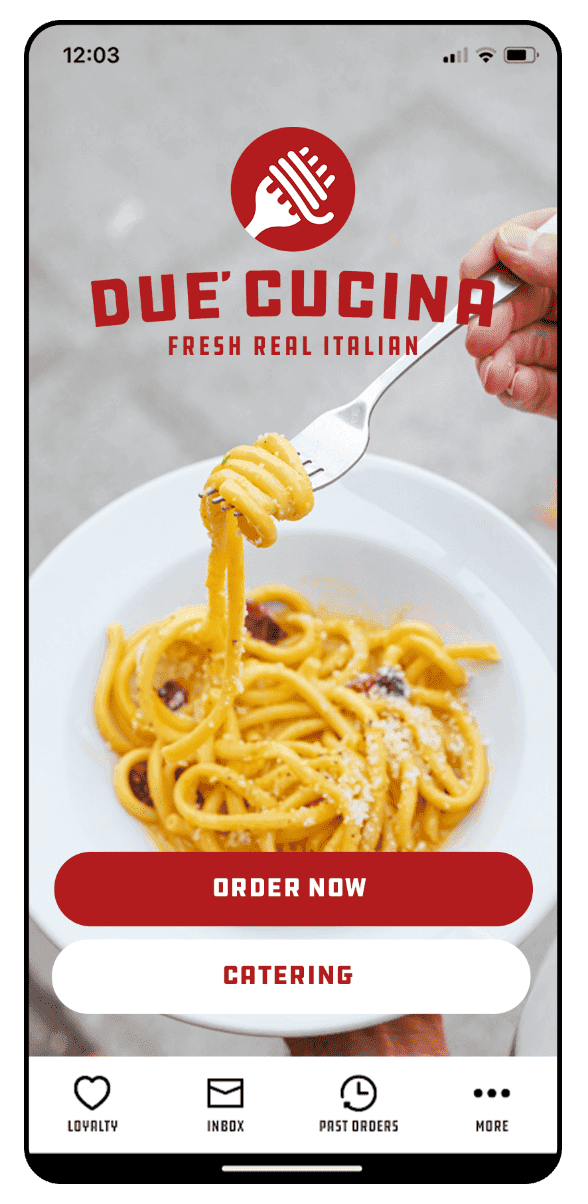
Every time you become eligible for a reward, you will receive a notification in the DUE’ App with instructions on how to redeem.
How to redeem discounts on online orders on the DUE’ website or mobile app: click on the “APPLY OFFER” button at check-out, and select the offer you want to apply.
How to redeem discounts on dine-in orders: when you are at the ordering counter with one of our team members, open your app, select the offer you want to redeem, and click on “REDEEM”. This will open a screen with a barcode: show it to our team member, who will scan it and apply it to your order.
How to redeem other rewards and prizes: follow the instructions provided in the notification.